
Setup mail user
1. Log in to the Mailu Admin UI
Open your browser to your admin URL, e.g.
https://mail.hrdtechnology.com/adminSign in with your admin credentials.
2. Navigate to the “Domains” Section
On the left‑hand menu, click “Domains”. This page shows all domains Mailu knows about.
Click on user icon in domain in which you want to add the user
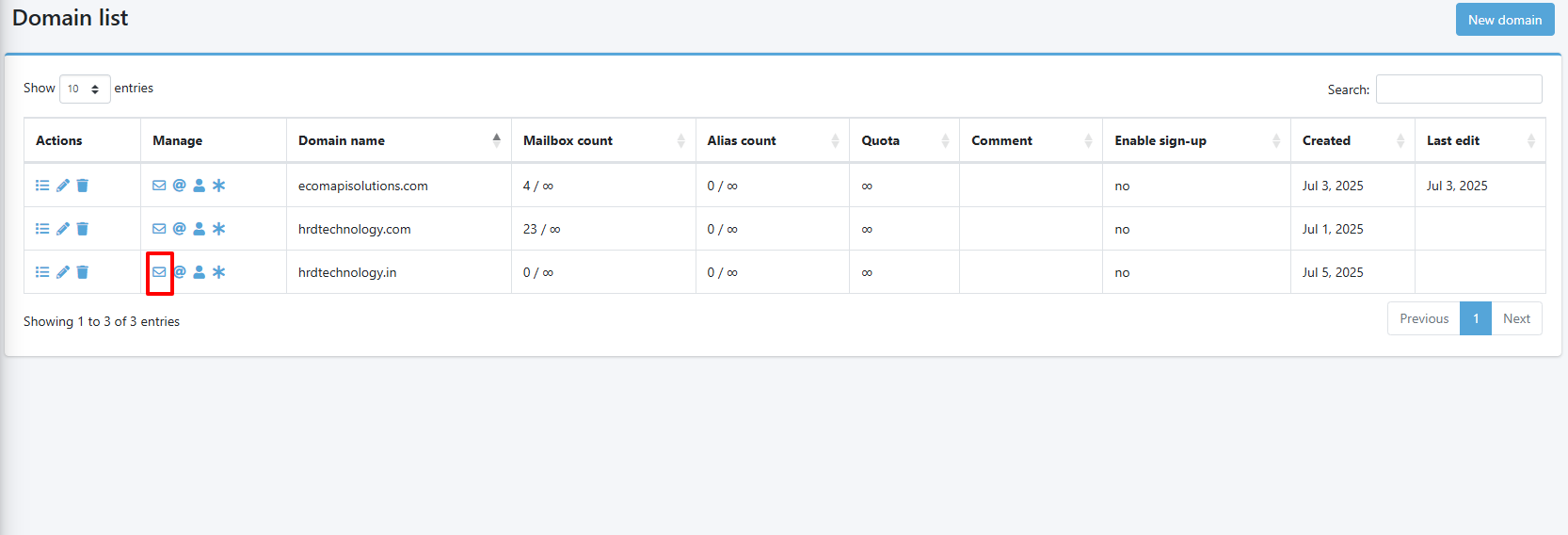
3. Add a New User
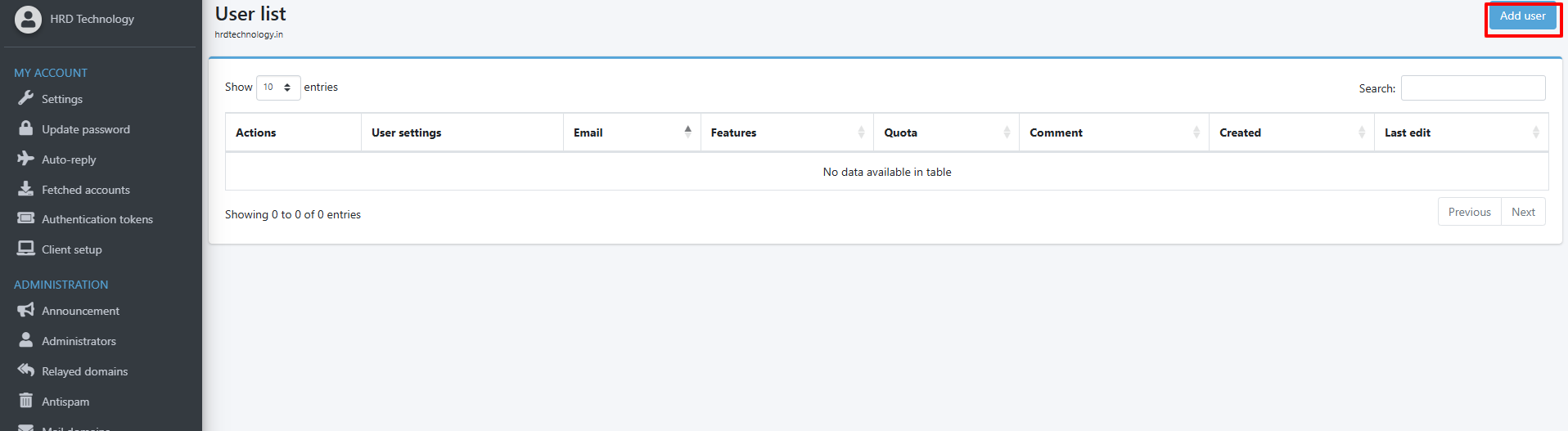
Click on Add user (button in right top corner)
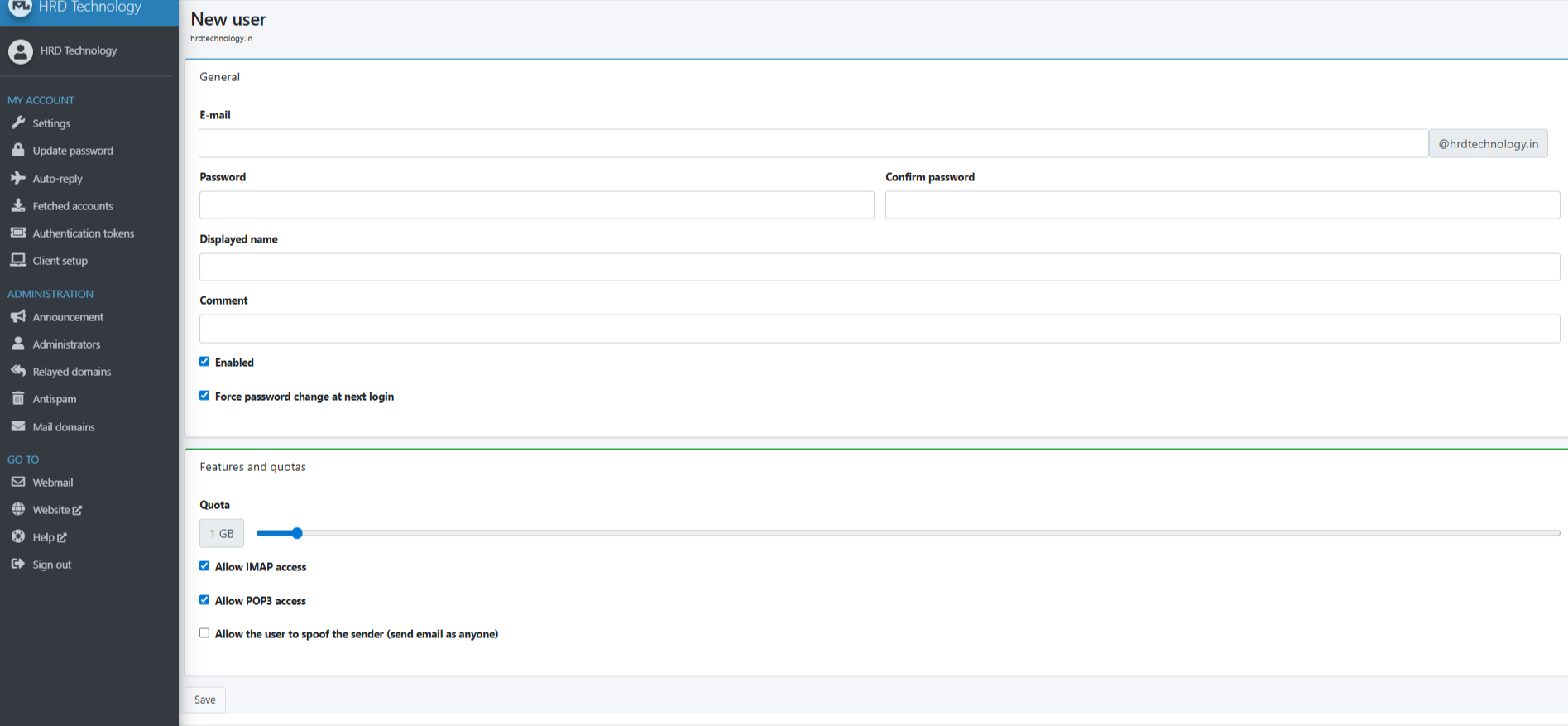
It will open the page like below, fill the data and save it
No comments to display
No comments to display